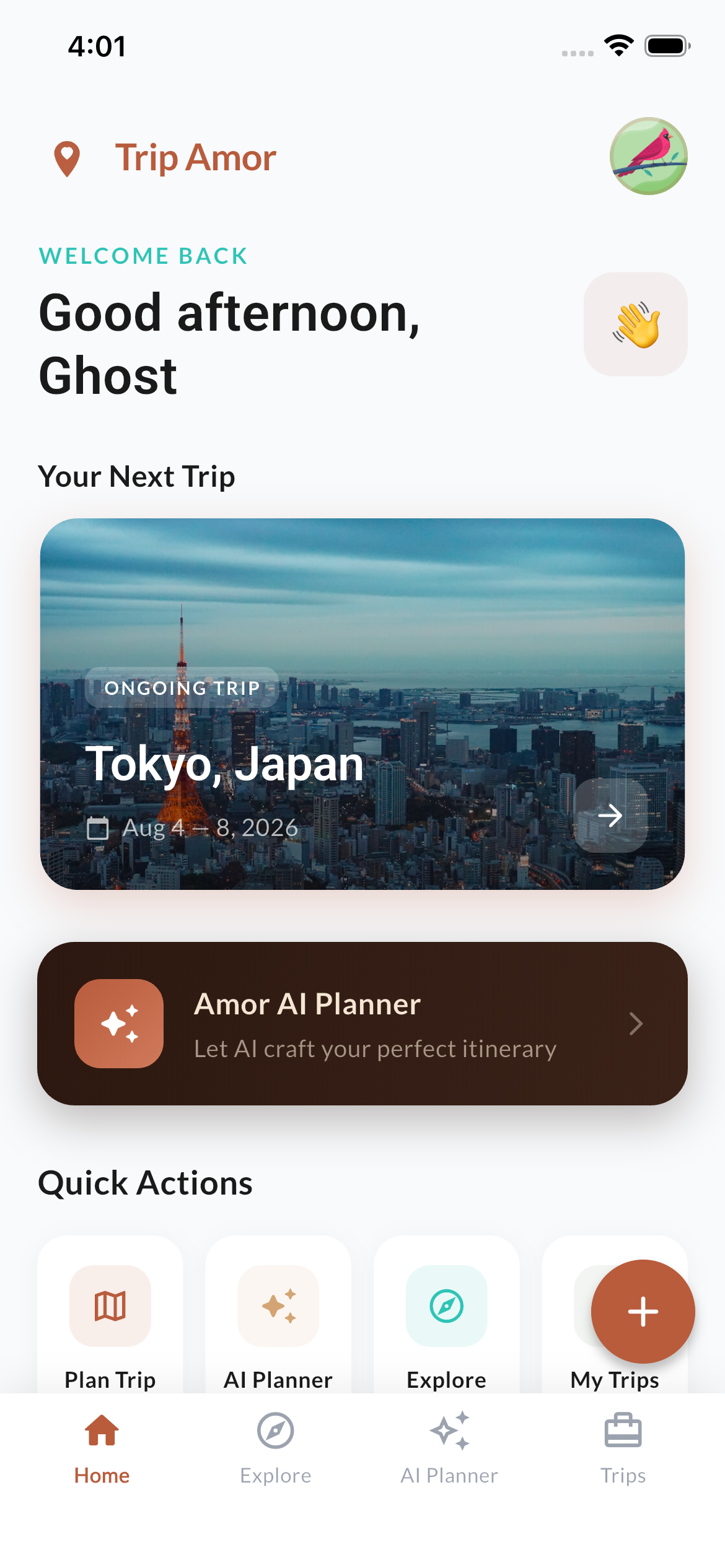
Plan trips with AI, track your flights live, see everything on a map, and sync it to Google Calendar. All in one app.
Everything you need to plan, track, and enjoy your travels.
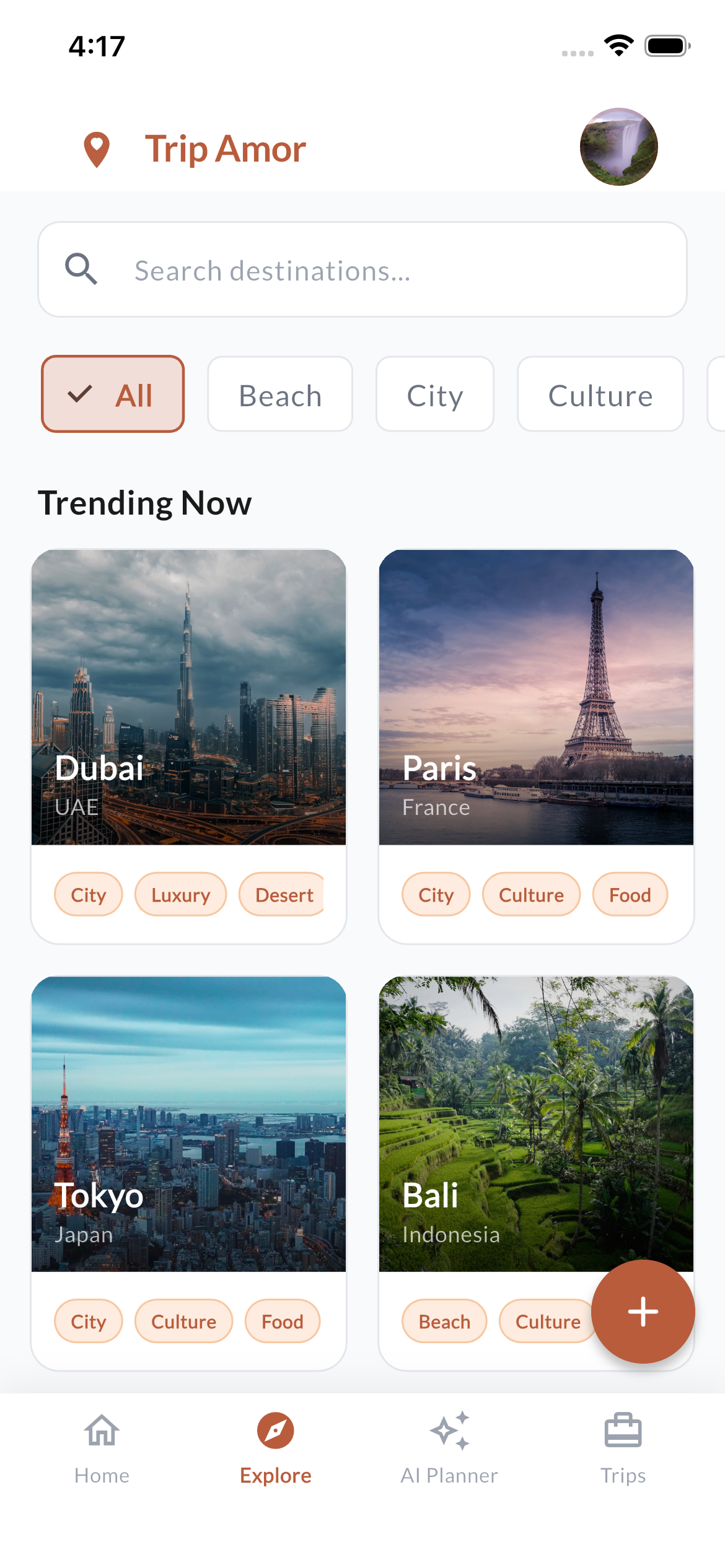
Find popular places to visit. Filter by Beach, City, or Culture and discover destinations like Dubai, Paris, Tokyo, and Bali.
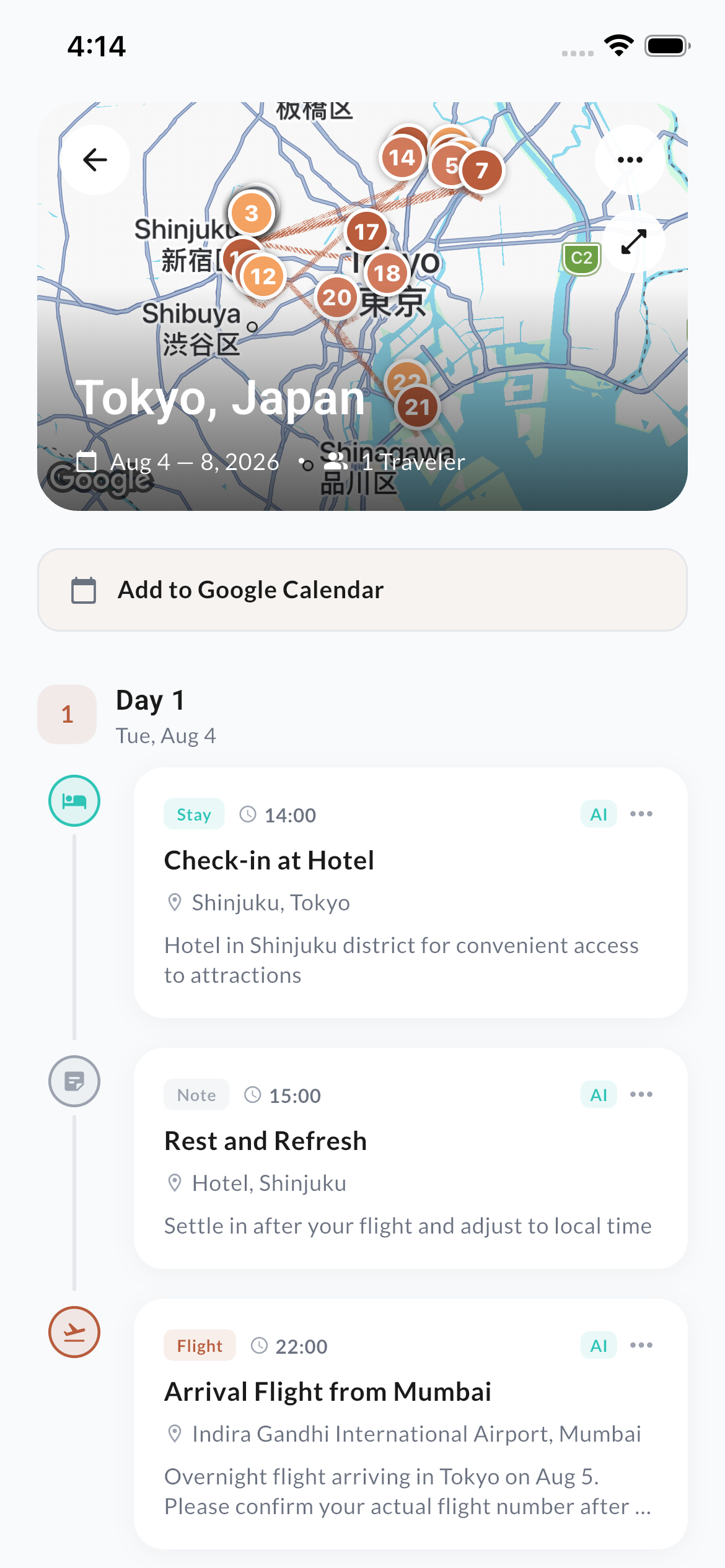
Your full trip plan shown day by day with a map on top. Each activity has time, place, and details. Sync to Google Calendar in one tap.
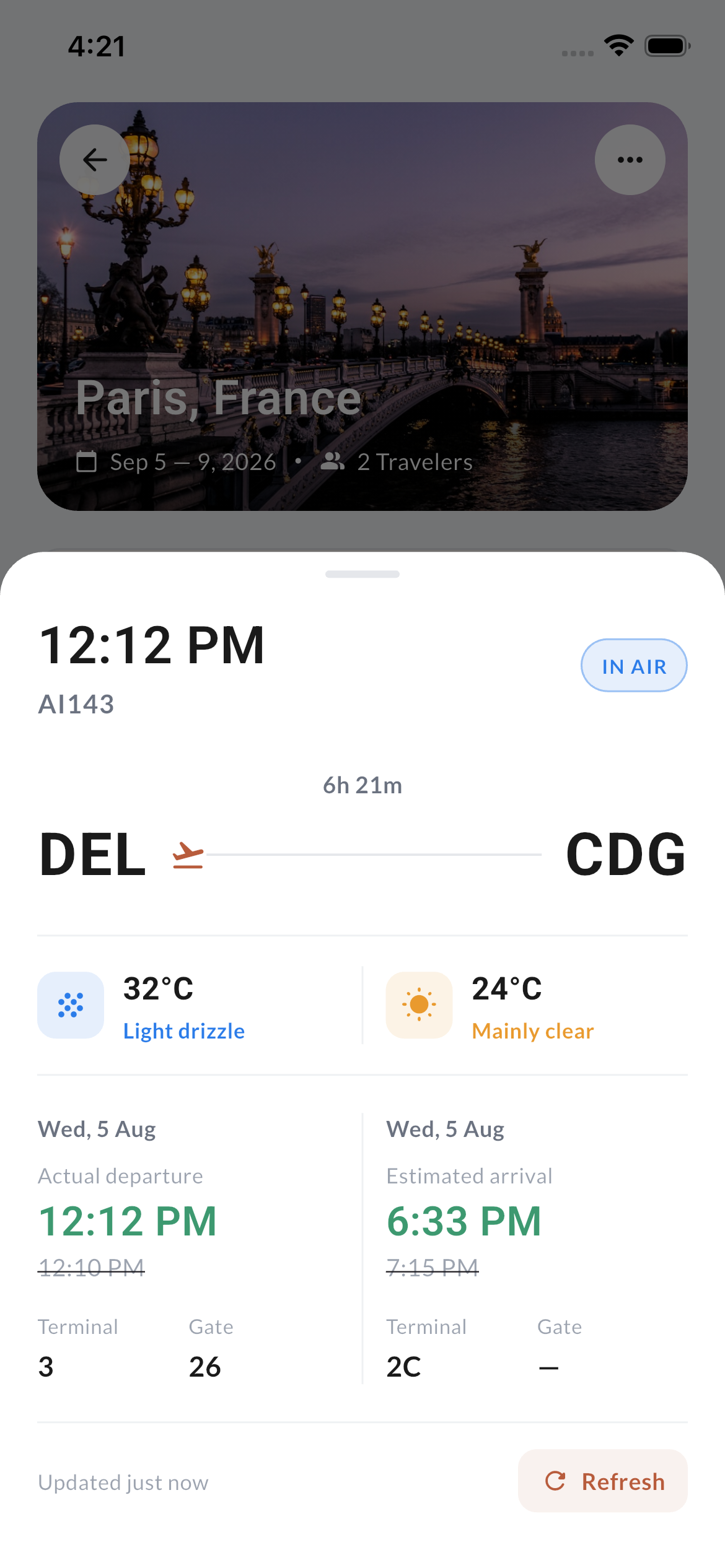
Enter any flight number and get live updates. See departure time, gate, terminal, weather, and delays — all in real time.
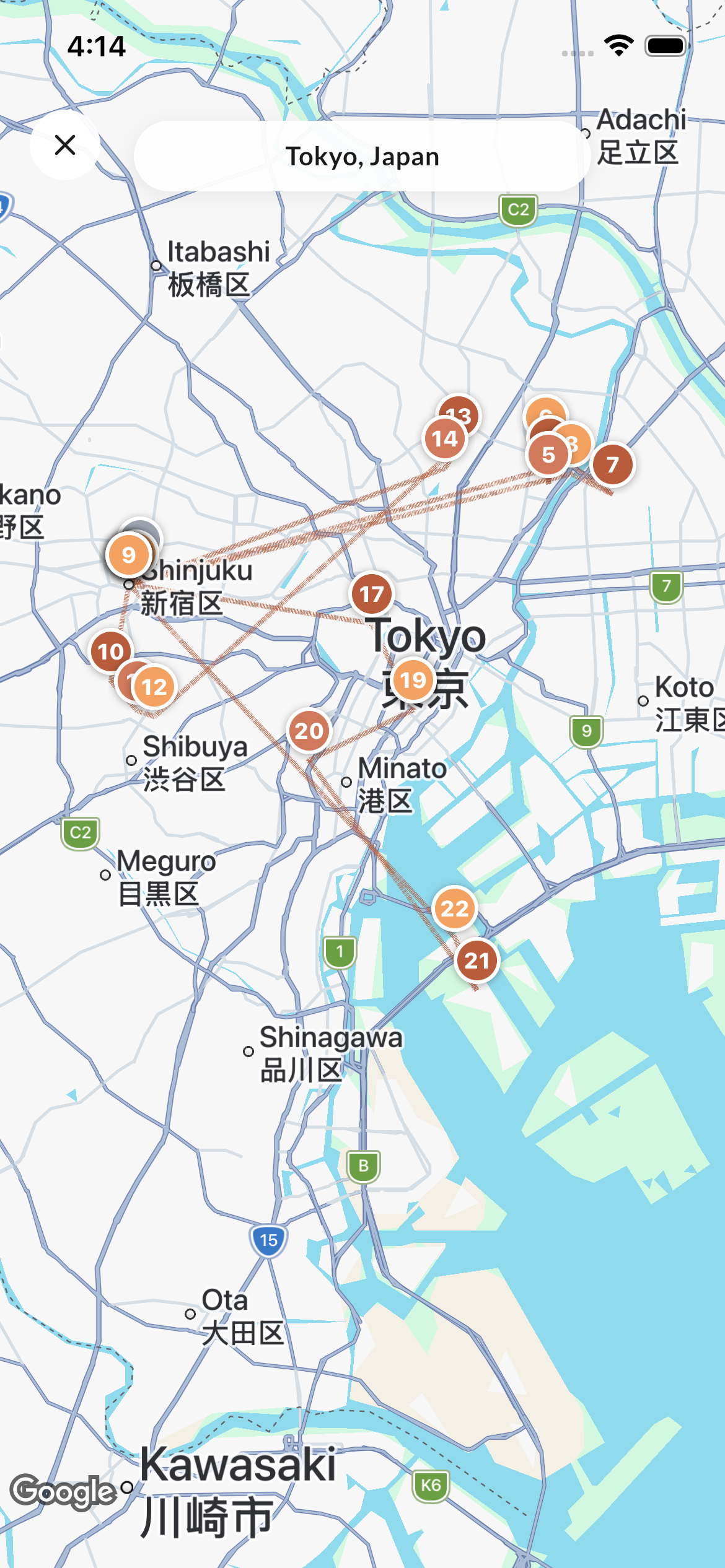
All your activities are pinned on Google Maps with numbered markers and routes. See your whole trip at a glance and navigate anywhere.
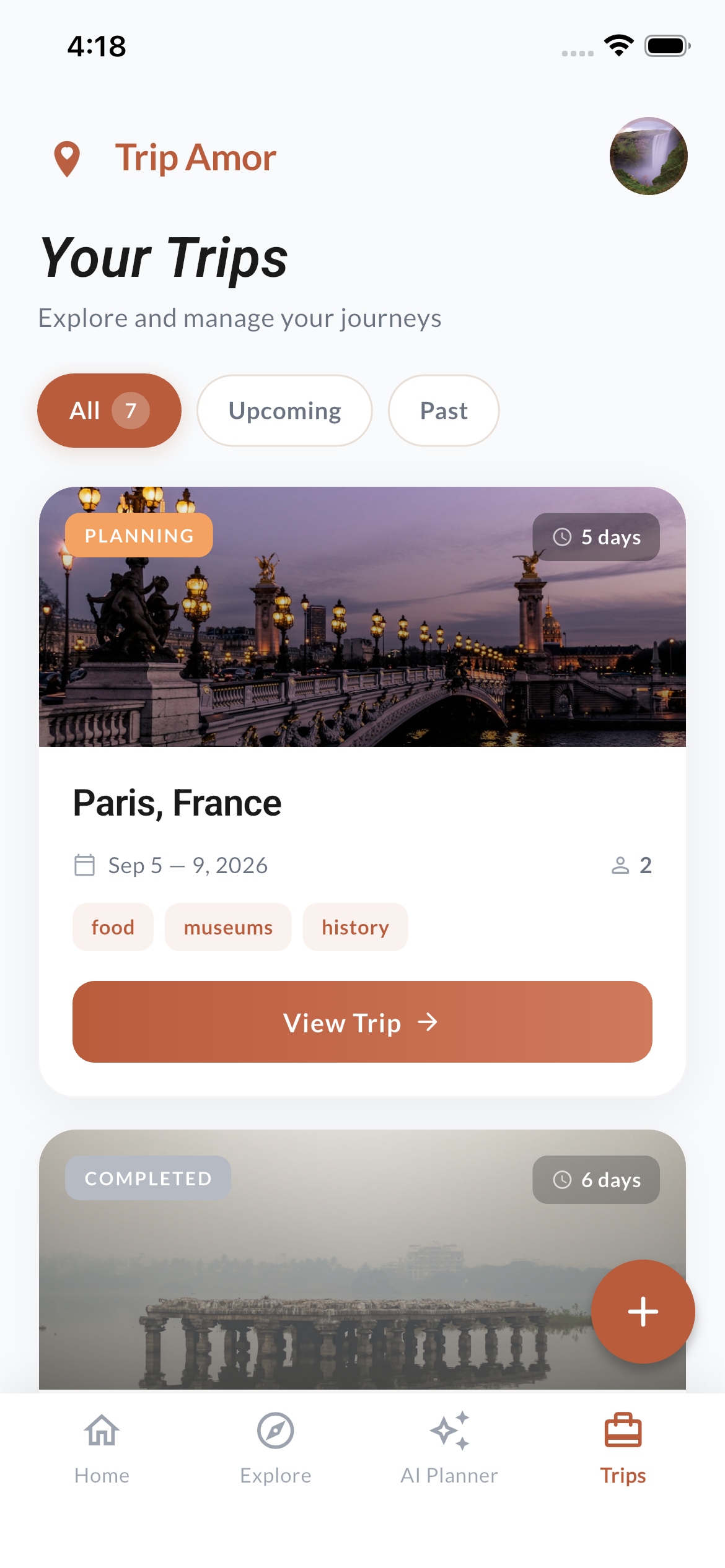
All your trips in one place. See what's planned, upcoming, or completed. Each trip shows dates, travelers, and tags.
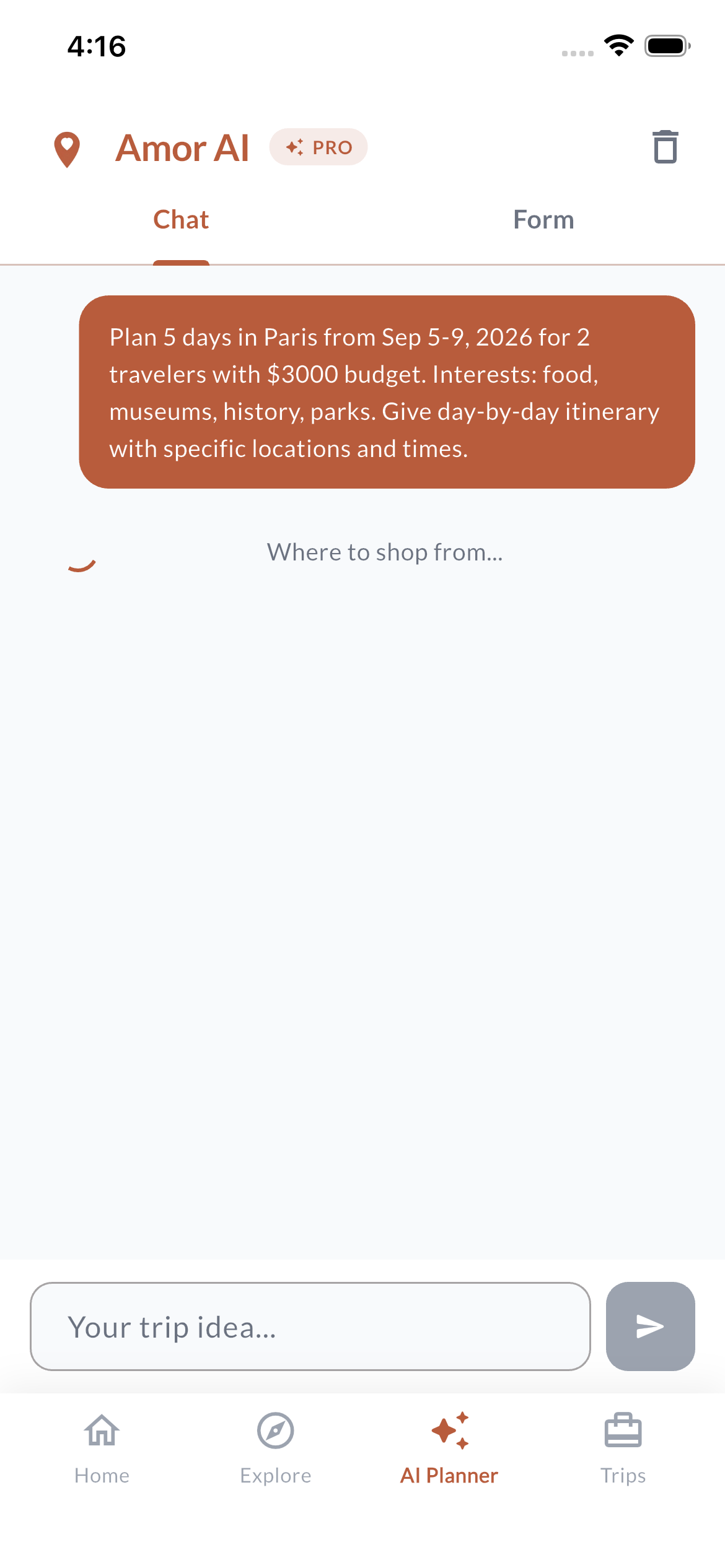
Tell Amor where you want to go. It builds a full day-by-day plan in seconds. You can edit or regenerate anytime.
From download to your trip — it's that simple.
Choose where you want to go, set your dates, and add how many travelers.
Amor AI creates a full day-by-day plan with places to visit, eat, and stay.
Track flights, follow maps, and let your calendar remind you. Just enjoy the trip.
Trip Amor is free to download. Available on both iOS and Android.
Yes! Trip Amor is free to download and use. The free plan includes up to 3 trips with 20 activities per trip. Upgrade to Pro for unlimited trips, activities, and premium features.
Trip Amor is available on both iOS (App Store) and Android (Google Play). We're also working on a web version for desktop planning.
You tell Amor AI where you want to go and what you like. It creates a full trip plan with real places, timings, and routes. You can change anything or ask it to plan again.
Yes. Once you connect your Google account, all your trip activities show up in Google Calendar automatically. You can remove any event if you want.
Yes. Just enter the flight number. You'll get live status, gate info, and delay updates no matter where you booked the ticket.